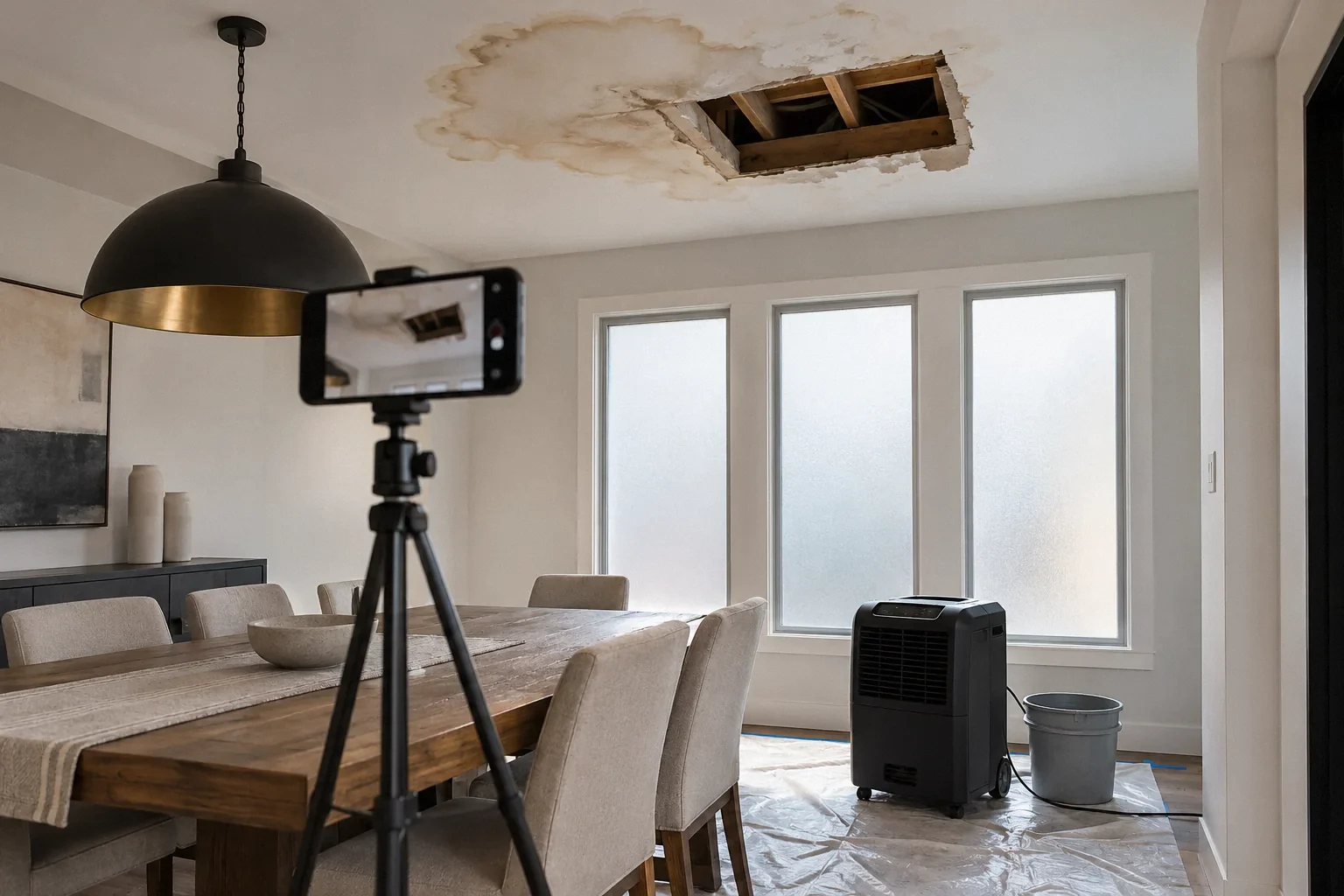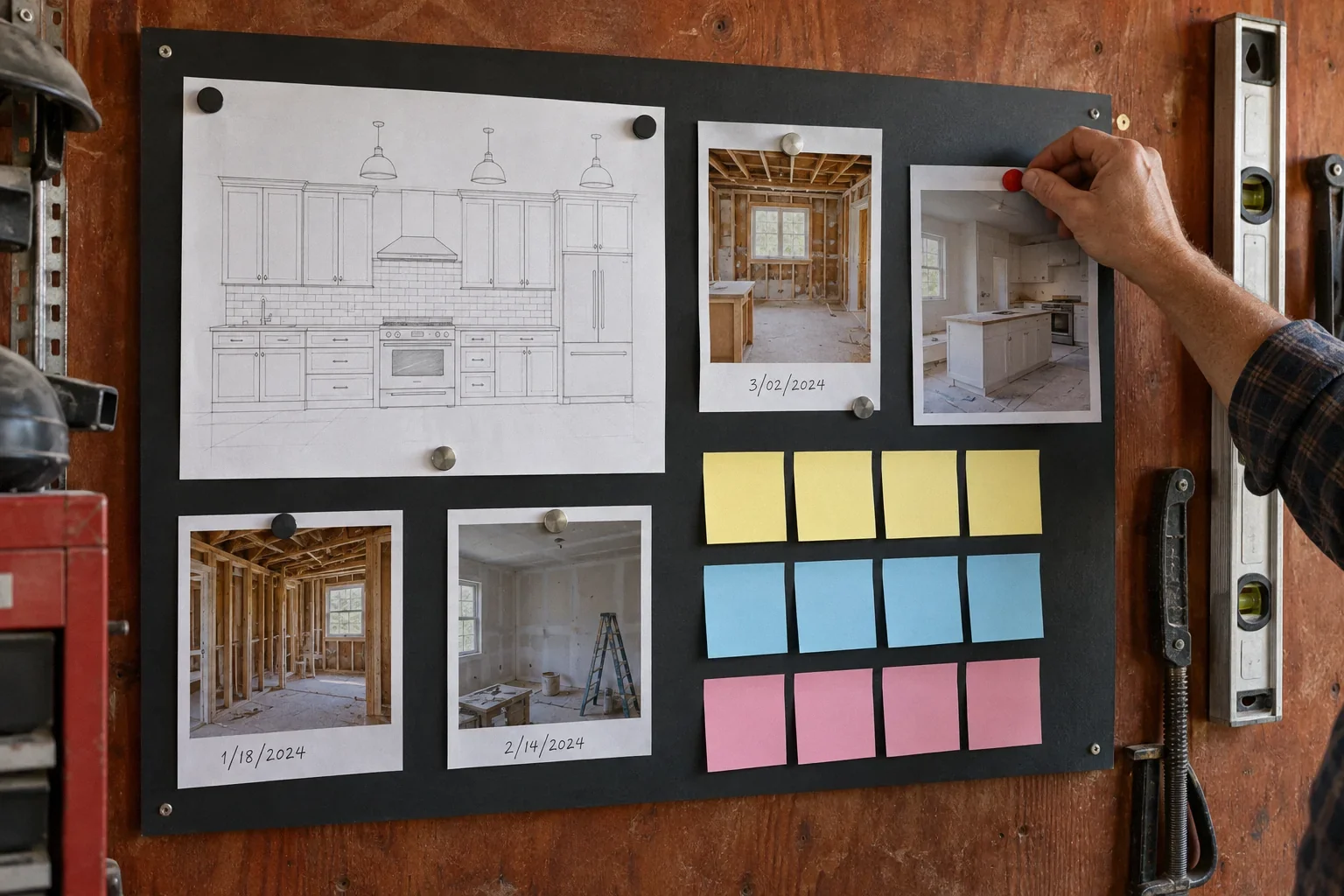
Short answer: let the contractor talk however they like, but make sure every decision ends up in writing. After each call or site conversation, send a short recap email: what was decided, who does what, by when, and whether it changes price or schedule. Keep a single decision log. Turn anything that changes scope, price or completion date into a signed change order before the work. California requires that for home improvement contracts under BPC § 7159. CSLB's guidance is similar for promises in general: if something is promised verbally, make sure it is also in writing (Terms of Agreement).
This is general information current to 3 October 2026, not legal advice.
The tension: phone-first contractors, paper-first disputes
An owner collecting bids asked why so many contractors seem to dislike email, saying 'phone only' felt like an attempt to avoid a paper trail. A contractor replied that it is a time issue: a five-minute call can replace a long email exchange, and the signed contract controls in the end. Both points have some truth. The friction shows up later. One owner described receiving change orders months after the work, without approval or discussion. A remodeler described undocumented small extras adding up by the end of a job. Another contractor concluded that change orders and their costs should be discussed early. These are anecdotal accounts. The common thread is that conversations happened and the record did not.
The system
1. Agree on channels at the kickoff
At the first meeting, agree in writing:
- The person on each side with authority to approve changes. A designer or project manager may relay information but should not approve price changes unless you authorize them in writing.
- The channel for routine coordination, such as calls or texts, and the channel for decisions: email recap or signed change order.
- A regular check-in, such as a fixed weekly time, on site or by call.
- The notice address and email in the contract for formal notices.
2. Send recap emails
After any call or site conversation that matters, send a short email within the day. A template:
- Subject: [Address] recap [date]: [topic]
- Decided: what was agreed, in one or two lines each
- Actions: who does what, by when
- Price or schedule impact: none, or 'change order to follow before work starts'
- Open questions
- 'If anything here doesn't match your understanding, please reply by [date].'
A recap email does not replace a signed change order, but it fixes what was said while memories are fresh. Do not treat silence as agreement. A contractor who does not answer your recap has not accepted it. If a recap covers anything important, ask for a short confirming reply, and chase it.
3. Keep a decision log
One shared document or spreadsheet with: date, decision, who approved, reference (email, change order number), and status. Use it for selections such as tile, fixtures and paint colors, layout tweaks, and responses to hidden conditions. When something is disputed later, the log points to the evidence.
4. Turn changes into change orders, before the work
If a decision changes scope, materials, price or completion date, it needs a written change order signed by both parties before the changed work begins. See our change order guide. Electronic agreement can sometimes count as a signature, but whether an informal text or emoji satisfies the change order requirement is uncertain and fact-dependent. Do not rely on it. Use a change order form that states the scope, price and schedule effect, signed by both parties (an e-signature service is fine if both agree), before the work.
5. Photograph as you go
Take dated photos of each stage, especially work that will be covered: framing, plumbing and electrical rough-in, insulation, shower waterproofing before tile. These help with inspections, disputes, and future repairs.
6. Run the weekly check-in
- What was completed this week, and what is planned next week
- Inspections scheduled or passed
- Materials ordered, delivered or delayed
- Decisions needed from you, with deadlines
- Pending change orders and their status
- Payment due and against which completed work. See progress payments
A worked example: one Tuesday phone call
Hypothetical. During rough-in, the electrician calls: the wall receptacle you wanted can't go where the drawings show because of a duct, and the contractor suggests moving it 18 inches and adding a second outlet 'while the wall's open'. You say that sounds fine.
- Same day, recap email: 'Decided: wall receptacle relocated per electrician (location sketch attached). Proposed: add second receptacle on the adjacent wall, with location verified by the electrician. Price or schedule impact: relocation, none stated; added receptacle, please send a change order before installing. Please confirm.'
- Contractor replies confirming the relocation is no charge, and sends a one-line change order for the added receptacle with a price and 'no schedule change'.
- You sign the change order (e-signature is fine) before the electrician installs it, and enter both items in the decision log with the email and change order number.
- At the next check-in, confirm the rough electrical inspection has passed with both receptacles shown, and note the result in the log.
Without the recap, three weeks later nobody would remember whether the relocation was free or whether the second outlet was your idea or theirs. With it, the record takes five minutes and settles the question.
What needs which kind of record
| Topic | Minimum record |
|---|---|
| Daily scheduling and access | Text or call |
| Selection confirmed within an allowance | Recap email and log entry |
| Anything that changes price, scope, materials or completion date | Signed change order before the work |
| Hidden condition found | Photos, written description, then a change order |
| Defect or concern | Email with photos and a requested response date |
| Delay or no-show | Email noting dates; formal notice if it continues |
| Payment | Itemized invoice; payment record; lien releases |
| Cancellation or termination | Formal written notice to the contract's notice address |
Edge cases
| Situation | What to do |
|---|---|
| The contractor's designer or project manager tells you something different from the owner of the company | Recap both conversations to both people and ask who has authority to decide. Do not proceed on the more convenient version |
| A subcontractor asks you directly for a decision on site | Ask them to route it through the contractor, or decide and immediately recap to the contractor. Subcontractor instructions can conflict with the contract |
| You and a co-owner give conflicting instructions | Agree internally which of you approves what, and tell the contractor in writing |
| The contractor sends a long, complicated change order you don't understand | Ask for a plain-language breakdown before signing. Declining to sign until you understand is reasonable |
| A heated exchange by text | Stop, wait, and send a calm email the next day restating the facts. Texts written in anger tend to resurface in disputes |
| Communication is in a second language for one party | Recaps in plain, simple English, or in both languages where possible. For service and repair contracts, BPC § 7159.10 requires the contract to be in the language used in the sales presentation, and other California rules can require translations in some situations. If language is an issue, ask for a translated contract and get advice on which rule applies |
Building a dispute-ready file without being adversarial
Good records help the working relationship, not just disputes. Organize one folder per project:
- 01 Contract: signed contract, plans, specifications, allowance schedule
- 02 Change orders: numbered, signed, with any backup
- 03 Decisions: the log plus recap emails exported as PDFs
- 04 Photos: sub-folders by stage and date
- 05 Payments: invoices, proofs of payment, conditional and unconditional releases
- 06 Permit: permit, inspection results, correction notices
- 07 Notices: preliminary notices and any formal notices sent or received
If you ever need to file a complaint or talk to an attorney, you can hand over this folder rather than rebuilding months of history from scattered texts. Even without a dispute, the same file helps with maintenance and a later sale.
Tone that keeps projects moving
- Be specific and neutral: 'The vanity drawer hits the door casing; photo attached', rather than 'This is sloppy.'
- Batch non-urgent items for the weekly check-in rather than sending a stream of texts.
- Reply promptly to decision requests. Late selections can hold up the schedule as easily as a late delivery.
- Acknowledge good work. It costs nothing and helps when problems come up.
When communication breaks down
- Send a written summary of the issue and a reasonable response date.
- Ask for a site meeting with the decision-maker.
- If work stalls, follow your contract's notice provisions. See abandoned jobs.
- For unresolved disputes, CSLB offers mediation and arbitration routes for licensed contractors.
Bay Area applicability
The contract requirements discussed here are California law; local inspection procedures vary. Two Bay Area practicalities: inspection scheduling and results often run through your building department's online portal, so add the permit number to your log and note results there; and if you are not living on site during the work, agree how photos and updates will reach you between visits.
Checklist
- Approvers named in writing on both sides
- Channels agreed: coordination vs decisions
- Weekly check-in scheduled
- Recap email template ready
- Decision log started, with permit number
- Photo folder by stage
- Change order rule restated: signed before work
Current to 3 October 2026.
Questions that come up next
Is a text message enough to approve extra work?
Not for anything that changes price, scope, materials or completion date. California home improvement contracts require change orders written and signed by both parties before the changed work begins. Whether an informal text counts is uncertain, so don't rely on it: use a compliant change order form, which can be e-signed.
My contractor only wants to talk by phone. What should I do?
Keep calls, then send a short recap email the same day listing decisions, actions and any price or schedule impact, and ask them to reply if anything is wrong.
Who should approve changes if I have a designer?
Decide in writing at the start. If a designer or project manager is to approve anything that affects price, give that authority explicitly and in writing; otherwise, approvals should come from you.
Sources and further reading
Community questions behind this guide
These discussions identify homeowner concerns. Forum comments are personal accounts, not code or legal authority.